Verify Your License — Open Overtools > License Manager to check that your license is active. If prompted, use the license manager to activate your license.
Choose a Layout — Select a workspace layout from the Overtools menu that matches your current task (Composer, Review Configuration, or Review).
Open a USD Scene — Load your USD asset into the stage.
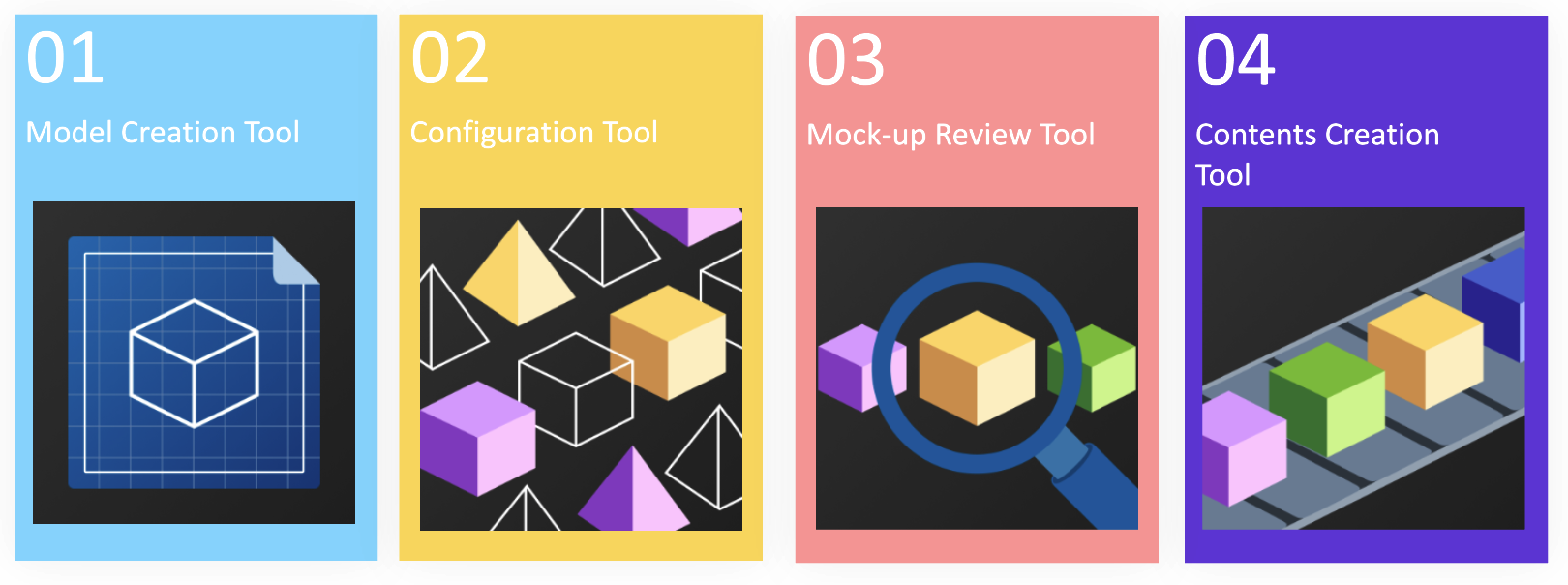
Use the Tools — Access the four main tools from the Overtools menu: