User Interface
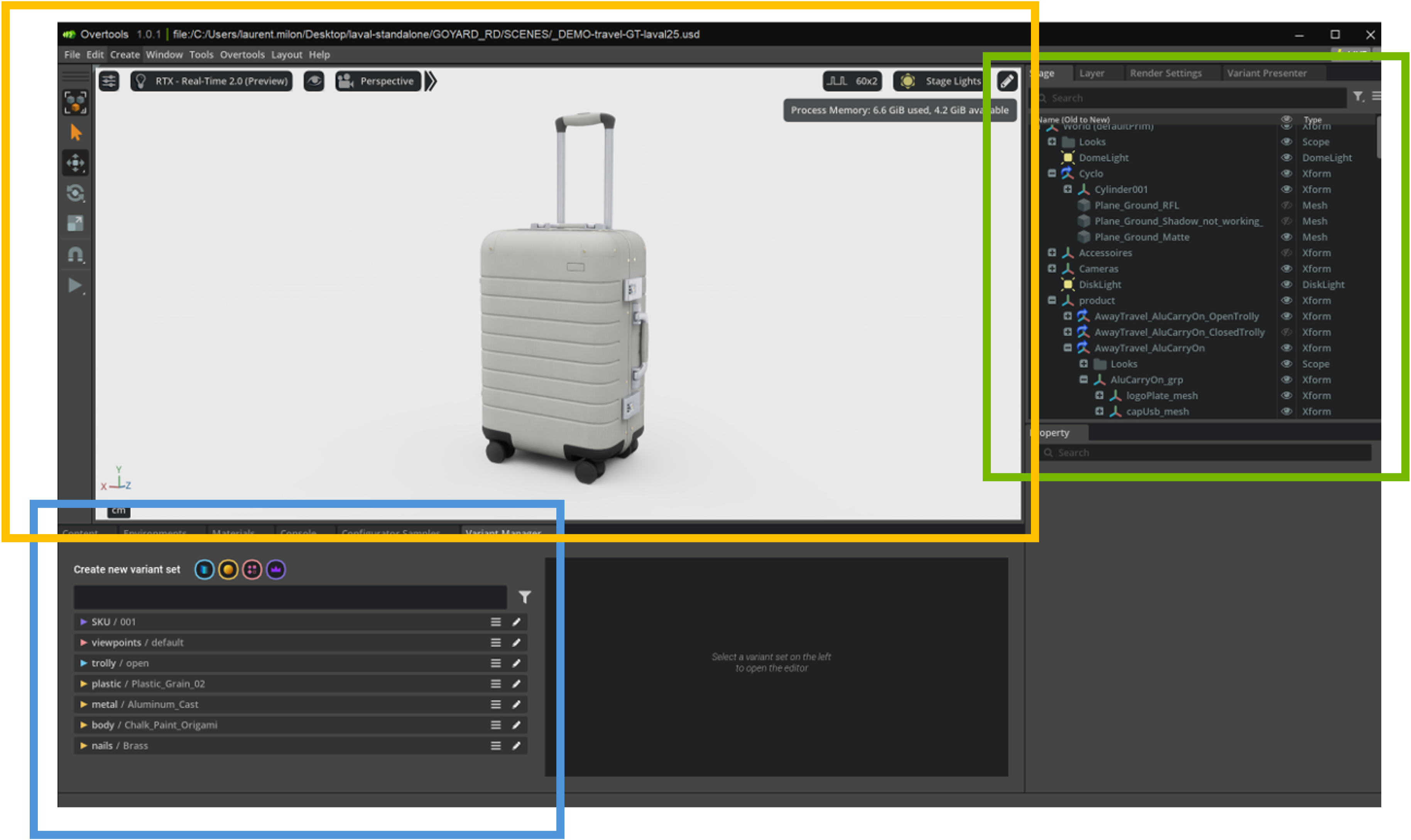
The Overtools menu in the main menu bar is organized into the following sections:
Layout
- Layout Mock-Up Composer
- Layout Mock-Up Review Configuration
- Layout Mock-Up Review
Model Creation Tool
- Model Creation Tools
- Unused Materials
- Material Unification
- Material Mapping
Configuration Tool
- Variant Manager
- Import Backup Variants (Alt+I)
- Export Backup Variants (Alt+E)
- Variant Tools ▸ Visibility, Material, Property, Camera, Master Variant Utilities
- Variant Switching ▸ Variant Switch, Mixed Switch, Property Switch
- DLSS Reset ▸ Before, After, Both, Off
Mockup Review Tool
- Variant Based Animations
- Mock-up Review Settings
- Toolbar Tools / Tool Properties / Variants / Animation
- Camera
- Screenshot Tool
Contents Creation Tool
- Contents Renderer
General
- License Manager
- About Overtools
Workspace Layouts
Overtools provides three workspace layouts optimized for different stages of the design pipeline:
| Layout | Purpose |
|---|---|
| Mock-Up Composer | 3D composition and scene assembly |
| Mock-Up Review Configuration | Setting up variants and review parameters |
| Mock-Up Review | Interactive design review and presentation |
Switch between layouts via the Overtools > Layout menu items.
Preferences
Access all Overtools preferences from Edit > Preferences > Overtools Preferences. The preferences page collects settings from all installed Overtools extensions and presents them in a unified interface. Each extension section includes a Reset to Default button.
Supported preference types include float values, booleans, text strings, and dropdown selections.