Introduction
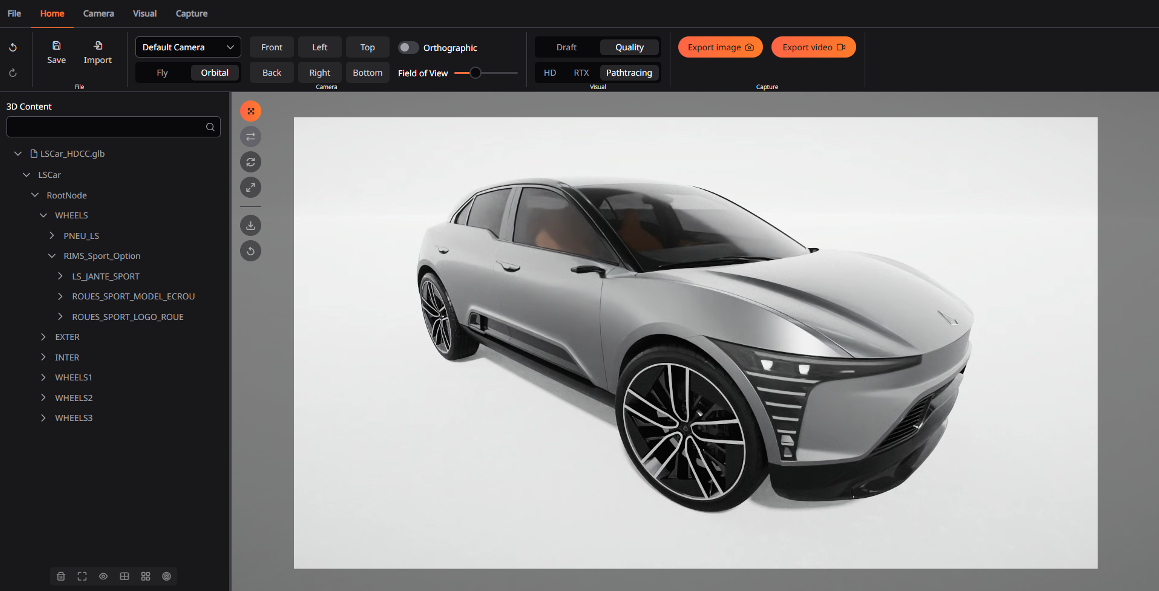
Lumina Studio is a 3D content creation platform designed to democratize the production of realistic and technical visuals. The software enables users involved in the product lifecycle to import, view and manipulate 3D models in real time, without requiring expertise in 3D software. It offers advanced image quality rendering and media exporting features to create beautiful visuals for presentation and marketing supports.
Hardware Requirements
The application is compatible with computers running Windows 10 or Windows 11 operating systems. To achieve the highest visual quality and optimal rendering performance, it is recommended to use a computer equipped with a recent RTX-compatible graphics card. Depending on the size and complexity of the 3D assets being handled, the graphics card should provide enough video memory, with 12 GB of VRAM recommended for comfortable use with large or detailed assets. A Draft rendering mode is available to allow visualization in low quality on standard office PCs with limited hardware capabilities.
Compatible 3D models
The application supports importing 3D models in both GLB and FBX formats, allowing users flexibility when working with their assets. Additionally, USD format compatibility is planned for future updates and is included in the development roadmap, ensuring even broader support as the platform evolves.
Installation & License
Using the software requires activating a license via our License Manager application, which you can download here: ls-group.fr. Once the License Manager is launched, click on “Manage” near the Lumina Studio application, then choose the Node-lock online option, and then enter your license key in the designated field.
Once your license is activated you can download Lumina Studio directly from our website at ls-group.fr. To install Lumina Studio, simply unzip the downloaded file and then run the lumina_studio.exe installer to complete the setup.
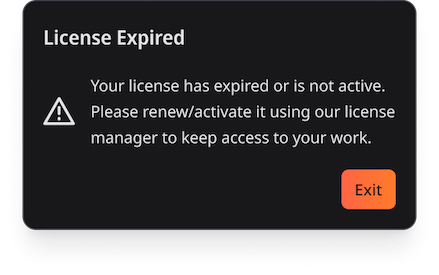
If your license has expired or is not active, a dedicated message is displayed inviting you to renew it via the license manager so you can keep access to your projects.
Contact our sales department to obtain a trial license.