Visual Effects
For each camera in the application, you can apply a couple of effects.
Depth of field
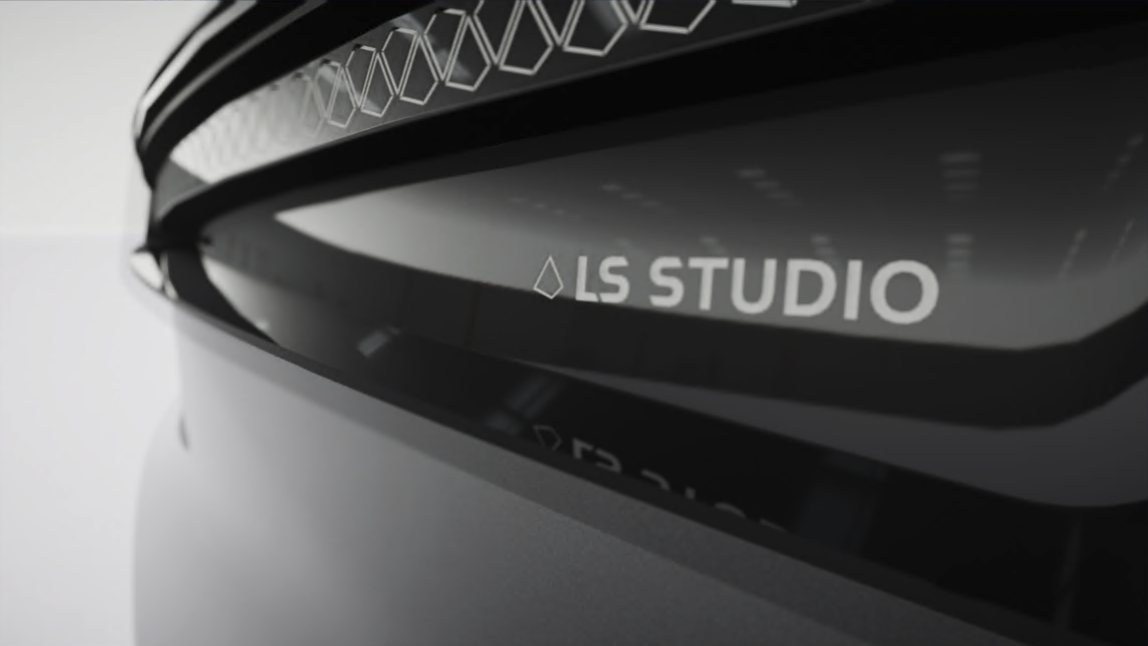
From the “Camera” tab, you can activate a depth of field effect to the camera, which enables a blur effect in the background of the focused object.
Manual Exposure
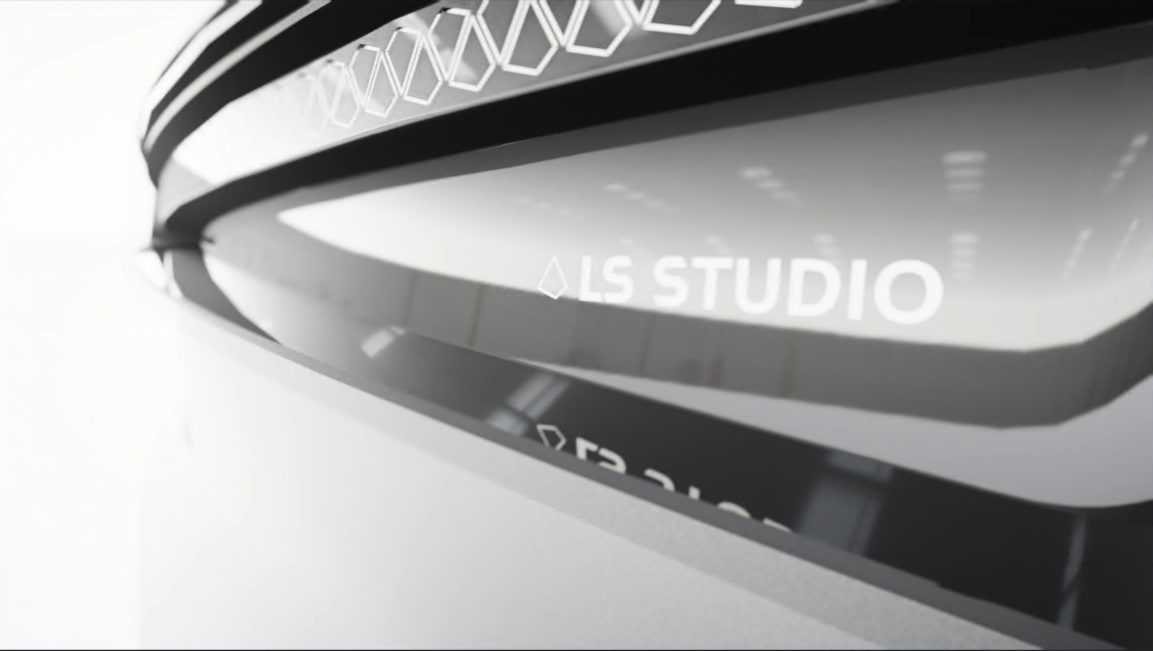
Automatic exposure is set by default to adapt the exposure of the scene to your product. You can manually adjust the exposure by using a slider in the “Visual” tab.
Interior lighting
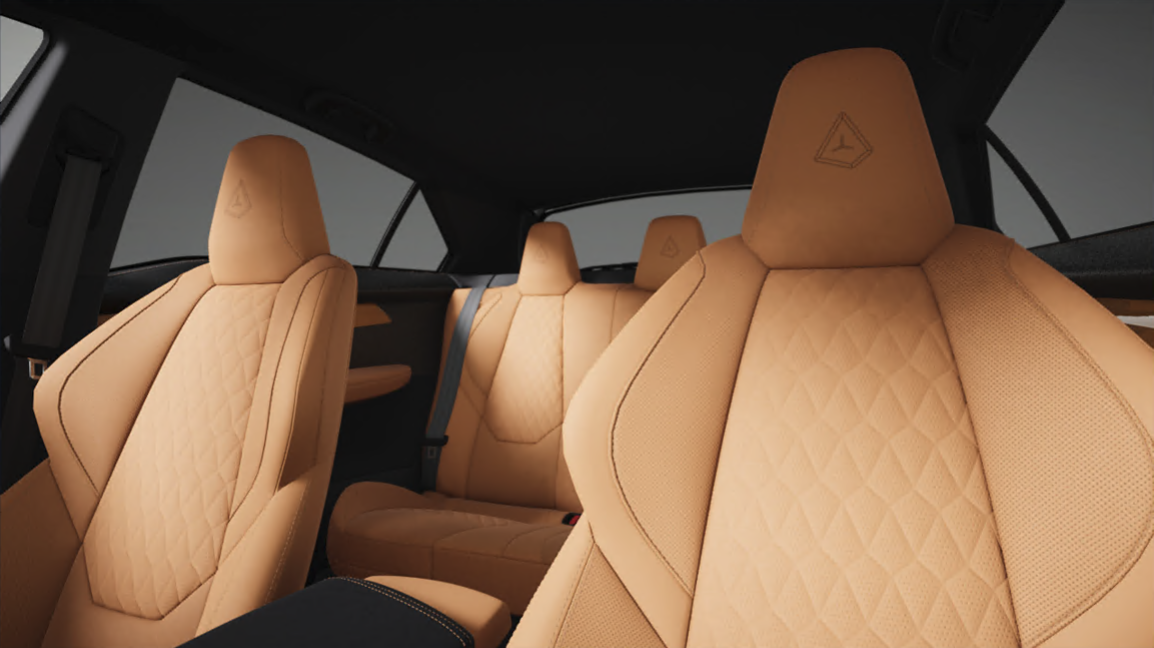
The main scene of the application is illuminated in a balanced and neutral manner, ensuring optimal visibility of complete 3D models. This standard lighting setup features a high-positioned sun, casting distinct shadows on the ground and beautifully highlighting the exterior of the product.
Additionally, an alternative lighting mode is available, which can be activated in the “Visual” tab, to enhance the visualization of a model's interior, such as a vehicle. In this mode, the sun is positioned lower, allowing light to enter more directly through the windows, revealing interior details with greater clarity.