Manipulate models
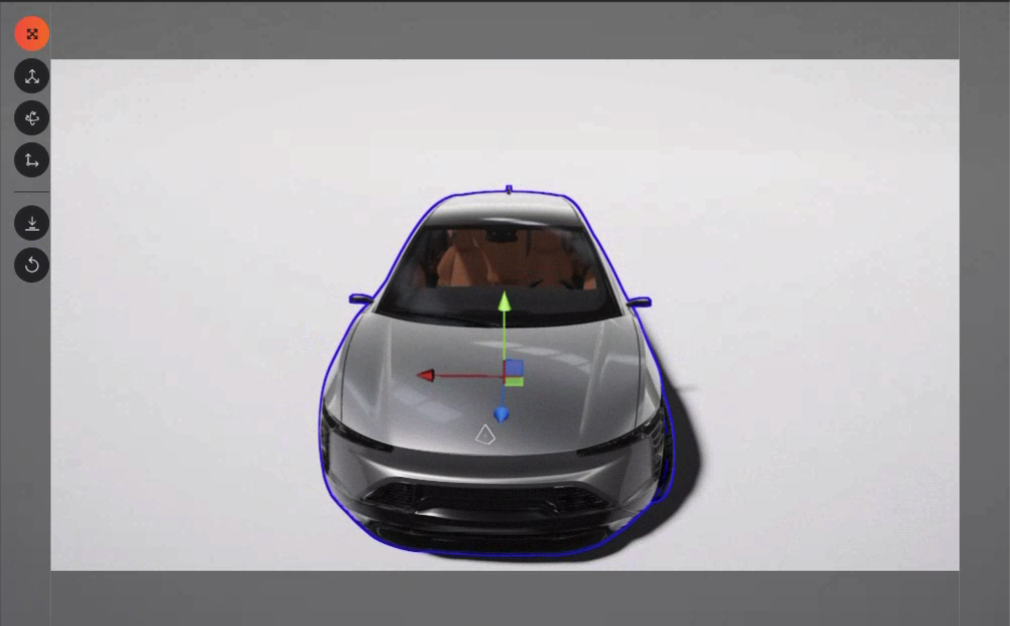
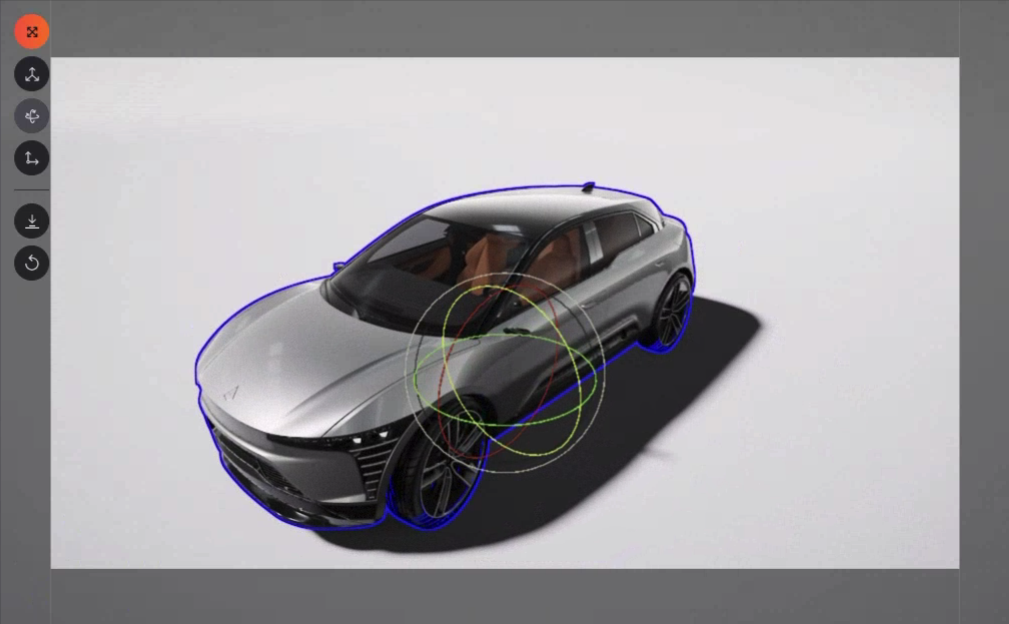
Imported models can be moved in the 3D scene. In order to manipulate models in the viewport, open the transform menu on the top left corner of the viewport and choose the transform needed tool.
Transform menu:
- Move 3D element T : move in X/Y/Z axis
- Rotate 3D element R : rotate on X/Y/Z axis
- Switch reference Tab : between world/product
- Snap to ground Page Down
- Reset position: to initial imported position Backspace
Move and rotate tools displays visual guides to change coordinates for each individual axis. Use your mouse to select an axis and change the value by dragging your mouse.
You can also select angles between multiple axis to move models on those axes.