Import 3D models
The software can import 3D models in FBX and GLB formats. Compatibility with USD is planned in our roadmap.
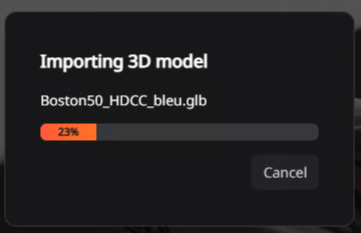
To import 3D models, click on import in the top bar “Home” or “File” or use the Ctrl+I shortcut. Select the models on your computer and click import. A loading bar will be displayed during the import process. Imported models will then be listed in the sidebar.
Cancel import
Import process can be cancelled by clicking in “Cancel” in the import pop-up window.
Import cameras
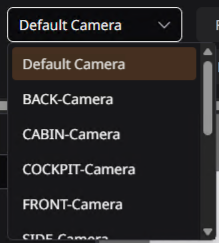
Cameras integrated into the GLB files are automatically imported during the import process. It will then be listed in the camera list in the “Home” and “Visual” tab.