Choose your Environment#
XR Twin provides a range of default background environments for different use cases, including factory, warehouse, outdoor, and laboratory environments. These environments will help you to create a realistic context for your virtual reality simulations.
Here's how you can set the desired environment in XR Twin:
-
Using the Hierarchy: Locate the Environment object icon
 (the name depends on which one is selected). To its right, click on the Open pop-up button
  to access the environment settings.
 -
Using the Project Menu: From the dropdown menu bar at the top left of the XR Twin interface, click on "Project" and then select "Environment".
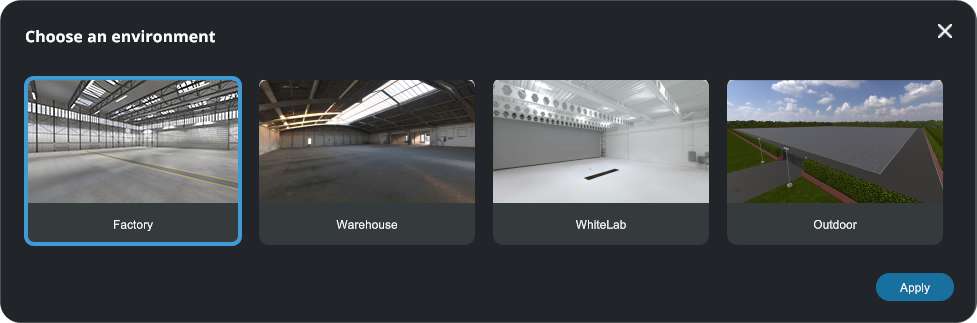
Once you have opened the Environment settings pop-up, explore the available options and select the environment that best matches your simulation needs. You can choose between 4 scenes : Factory (default), Warehouse, WhiteLab, Outdoor.
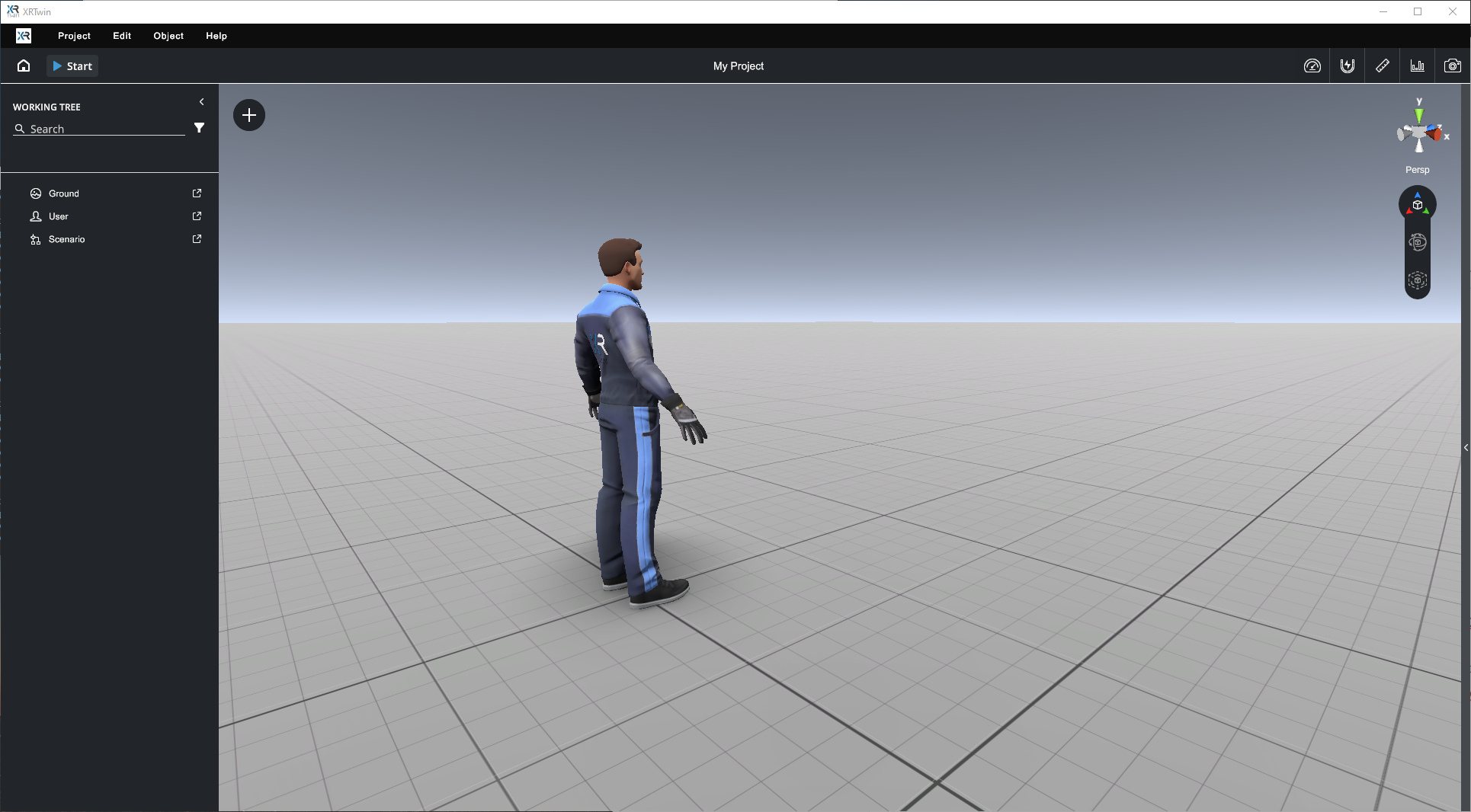
Infinite ground
If no environment is selected, a default environment with an infinite ground will be set (see below).