Multi-user session#
What is a multi-user session?#
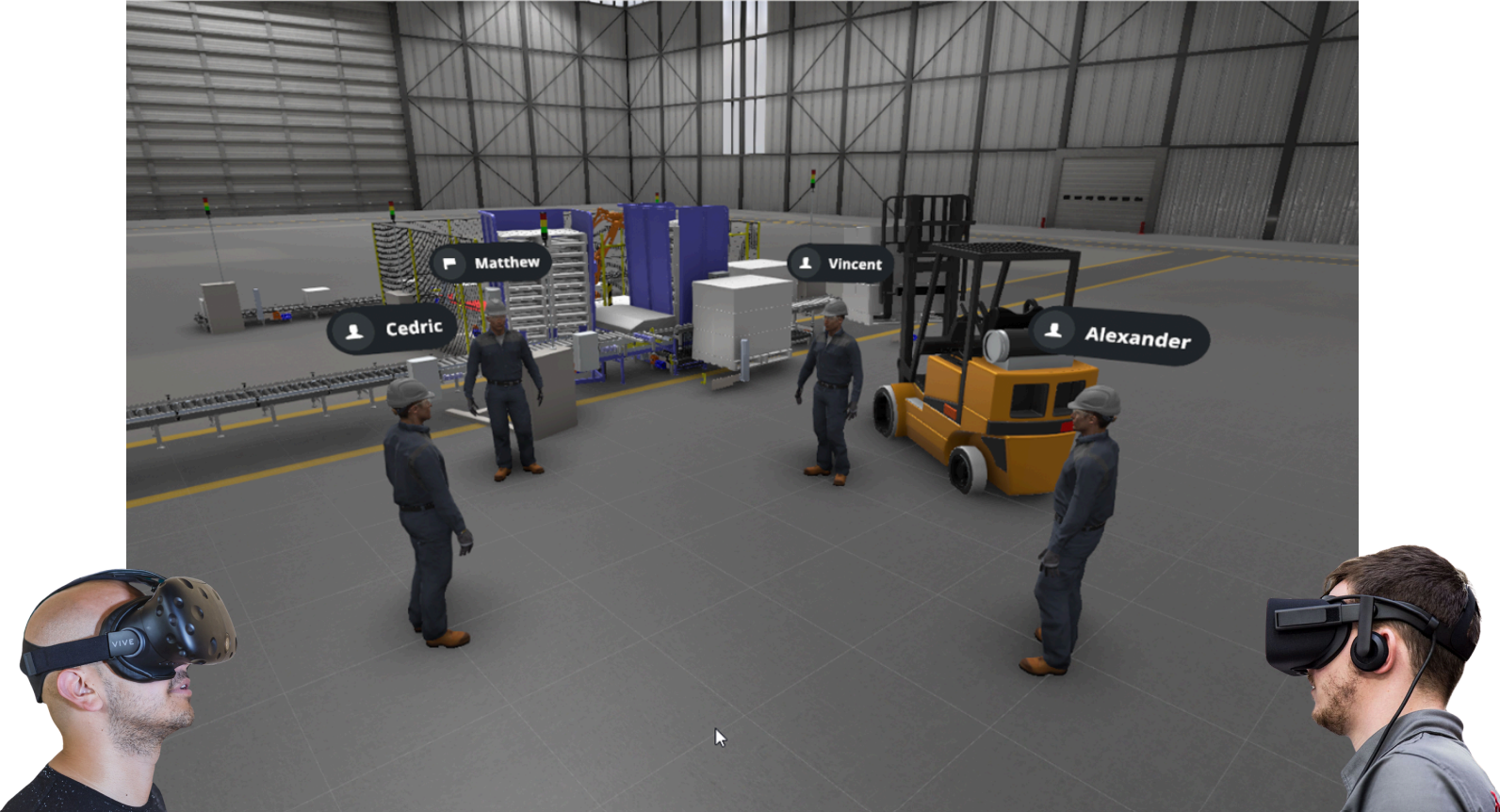
A multi-user session, also known as a group session, enables multiple users to access the same simulation simultaneously. During a session, participants can collaborate, communicate, and engage with each other in real-time, fostering teamwork and interaction.
XR Twin supports two connection modes for multi-user sessions:
-
Online Mode (WAN):
Server-based collaboration using external relay servers for data exchange. This mode supports all features including audio communication and works over the internet. -
Local Mode (LAN):
Direct peer-to-peer collaboration over a local network using IP address and port. This mode is designed for companies with high network restrictions that cannot use online mode. Audio (VoIP) is not supported in Local mode.
XR Twin's multi-user sessions differentiate between two user roles with distinct permissions:
-
Host Interaction:
The host user has full control over the simulation, including the ability to interact with objects and manage session settings. -
Guest Access:
Guest users can join and observe the simulation with limited interaction capabilities. They can communicate with other participants and navigate the shared environment, but have restricted object manipulation rights compared to the host.
This role-based system enables guided collaborative experiences, making it ideal for training sessions, design reviews, or interactive demonstrations where a facilitator leads participants through the virtual environment.
Requirements#
- XR Twin software:
Ensure that you have installed26.1.0or later version of XR Twin on your device. - Simulation preparation:
Prepare the simulation project you intend to share with other users. It is imperative that all participants, including the host and guests, utilize the exact same simulation file. Any variance in the simulation file between participants and the host will result in the session failing to start. - Network connectivity :
All computers participating in the session must be able to communicate effectively.- Online Mode: Ensure that you have a stable and reliable internet connection with sufficient bandwidth to support multiple users participating in the session simultaneously.
- Local Mode: All participants must be connected to the same local network (LAN) and be able to reach each other via IP addresses.
Highly restrictive networks
XR Twin multiuser Online mode works using an external relay server used to send data between users. It only uses outbound connections, so it should work with most networks. On some highly restrictive networks the outbound connections might also be blocked.
In that case, you have two options:
-
Consider opening some ports used for connection or consult your IT department for assistance. Here is the list of ports used for Online mode connections that should be opened:
- 37000 to 37100
- 7778
- 80 and 443
-
Use Local Mode (LAN) instead, which works directly over your local network without requiring external server connections. Note that audio communication is not available in Local mode.