Interact Library
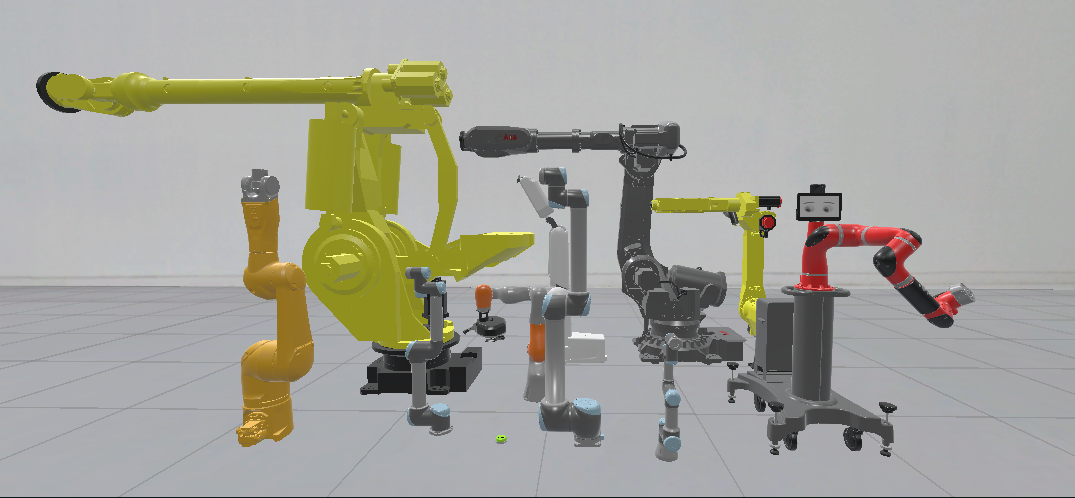
Industrial components
INTERACT comes up with a collection of prefabricated components commonly used in industry simulations. These components can be imported from the toolbar menu: INTERACT > Industrial Library.
- Industrial Robots
- Safety components (light curtains, safety lasers)
- Production components (conveyor, operator panels, button)
How to use button
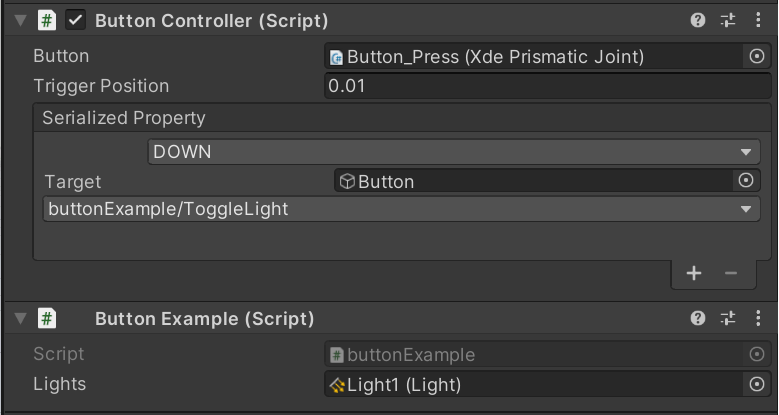
Fill the target field with gameobject containing your serialized property. The button controller allows you to trigger events when the button reaches a certain position:
| Position | Action |
|---|---|
| DOWN | When button reaches down position |
| PRESSED | While button is still in down position |
| UP | When button reaches up position |
| RELEASED | While button is still in up position |
The example below toggles the light component on/off when the event is triggered:
public class buttonExample : MonoBehaviour
{
    public Light lights;
    public void ToggleLight()
    {
        if (lights.enabled)
        {
            lights.enabled = false;
        }
        else
        {
            lights.enabled = true;
        }
    }
}
Materials
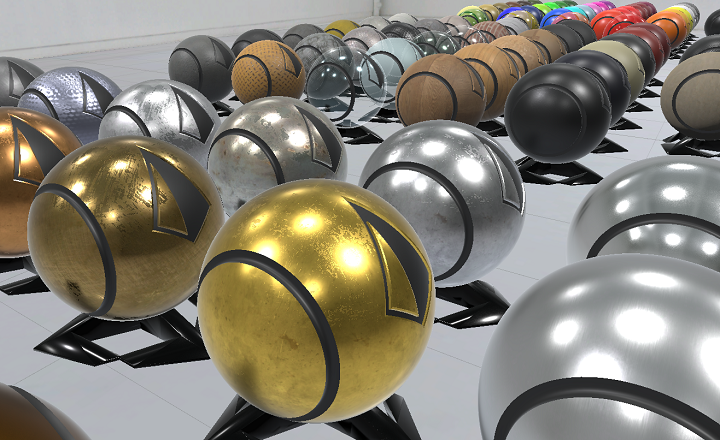
You can find a collection of textures and predefined materials that can make your scenes more realistic.
- These materials can be found in the project window:
Assets > INTERACT > 08_MATERIALS > Materials.
- A demo scene showcasing all these materials is available here:
Assets > INTERACT > 08_MATERIALS > Scenes > MatLib_SCENE.unity
To assign a material to one or multiple parts, consider using the toolbar menu INTERACT > Graphics > Assign Material :
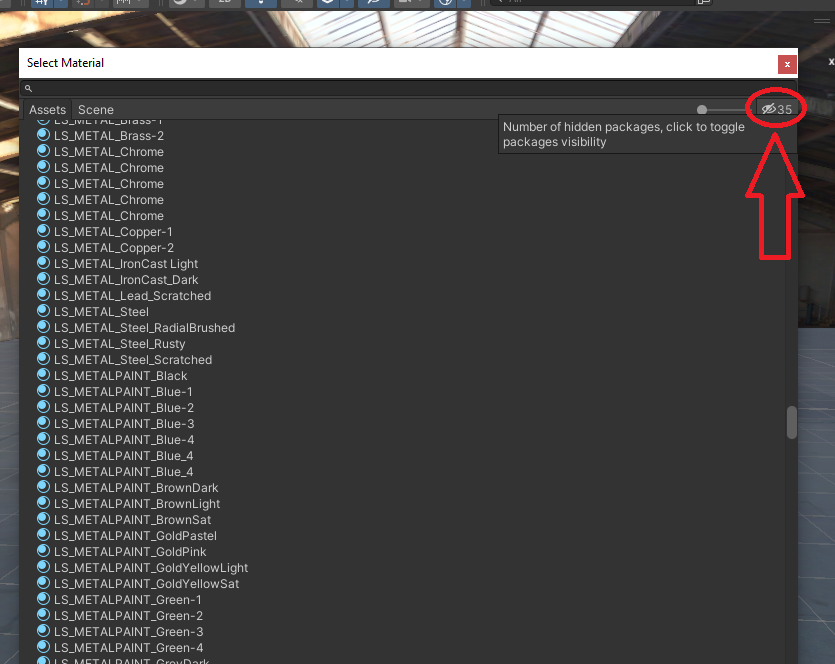
Search Materials in Packages
Make sure to toggle packages visibility while selecting a material to look for assets in the INTERACT materials package.